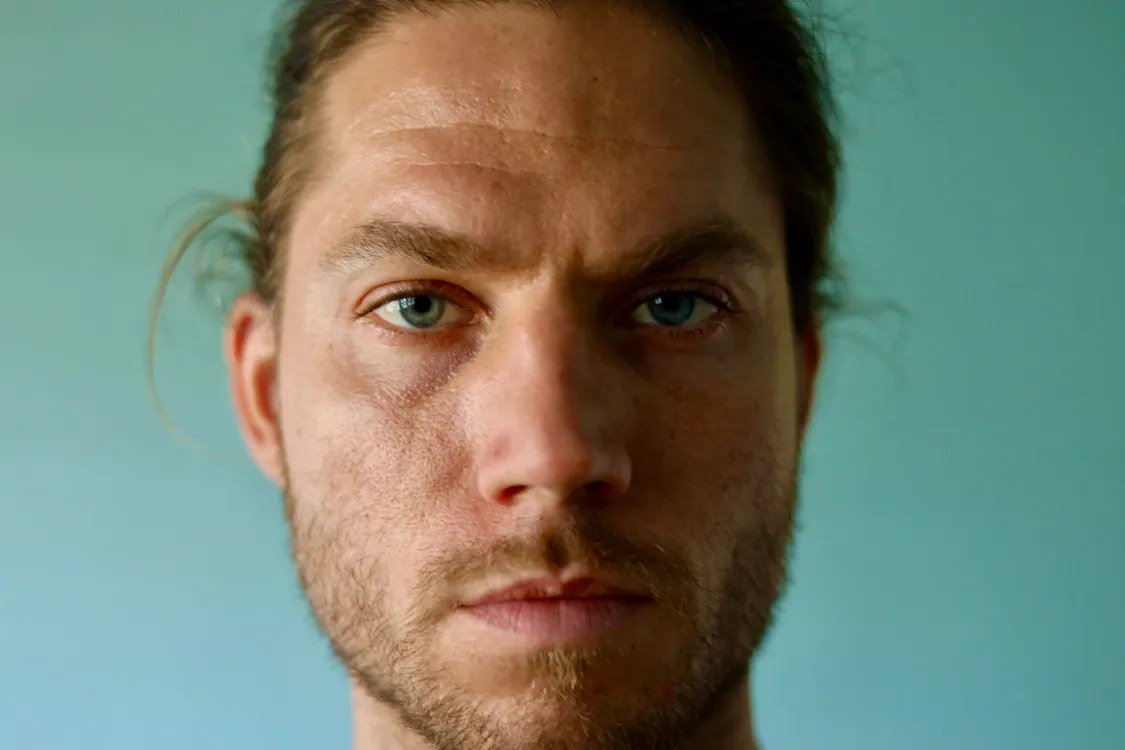
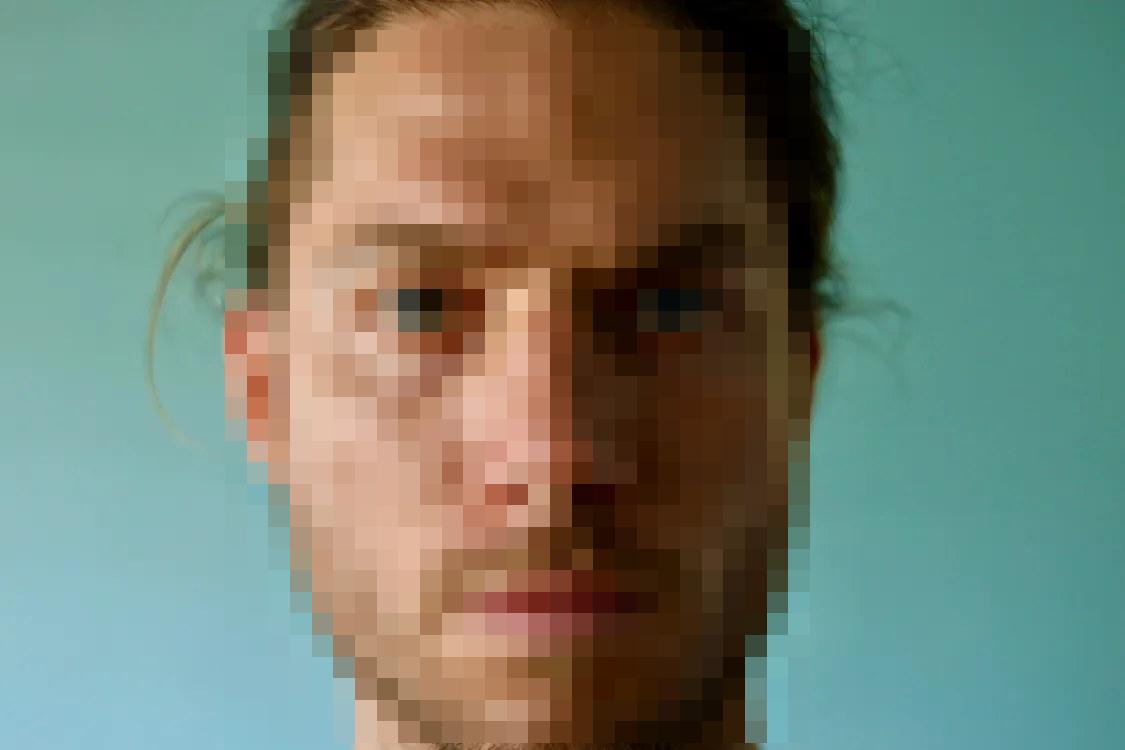
Photo 1 - A person's face
Pixelate: just the face itself - the hair, ears, and background stay exactly as they are.
Put a solid black bar over any text in an image, like a redacted document. Nothing shows through and nothing can be recovered from the download.
See it in action
Drag the slider
Email, phone number and order number covered. All names are fictional.
Drag & drop an image here
or paste from your clipboard (Ctrl/Cmd + V) anywhere on this page
PNG, JPG, or WebP · max 20 MB · max 8000 × 8000 px · 40 megapixels · no account needed
Real photos and documents, each shown as actual images: Before is the original, After is the same image with the effect really applied. Open one and try it yourself.
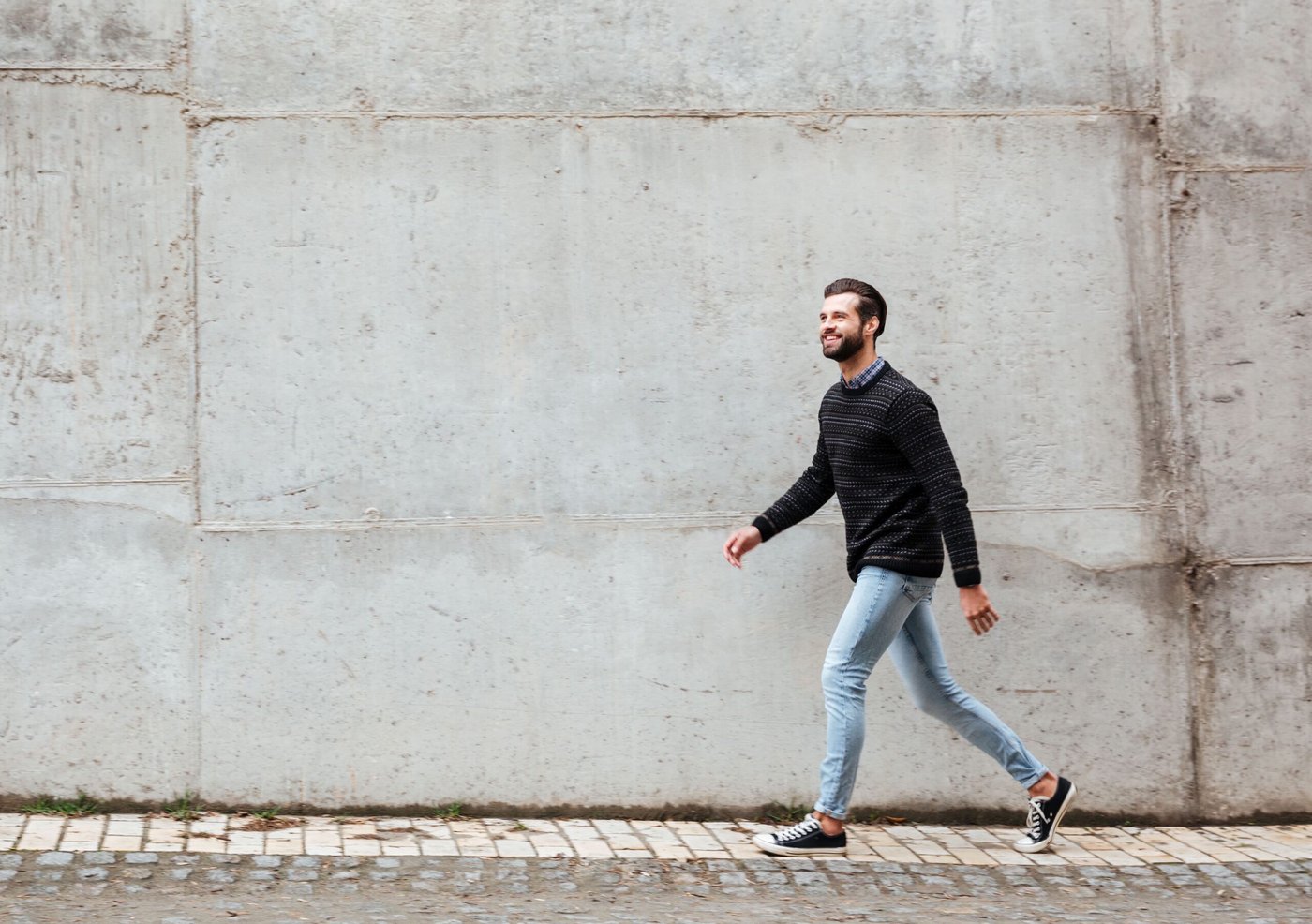
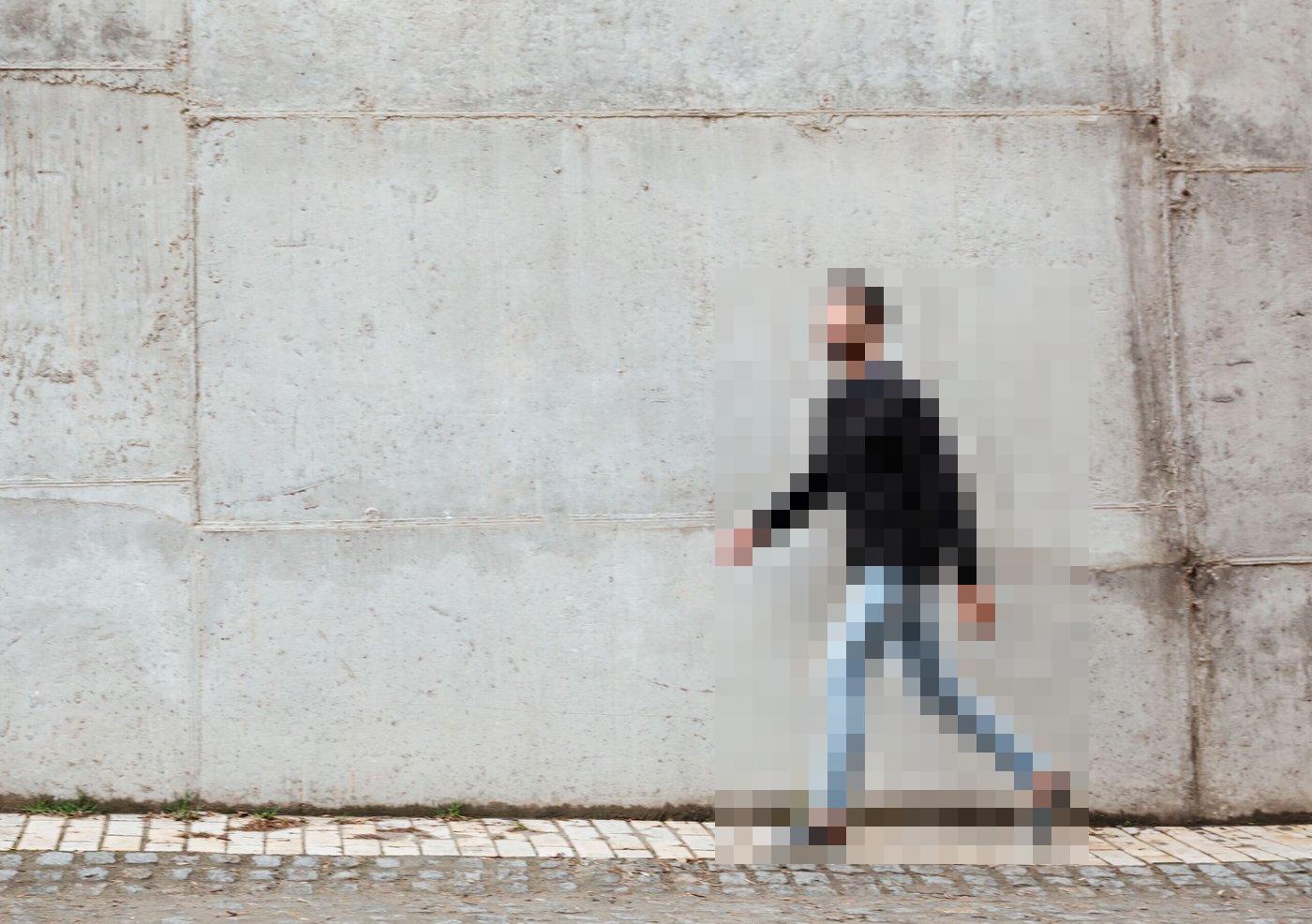
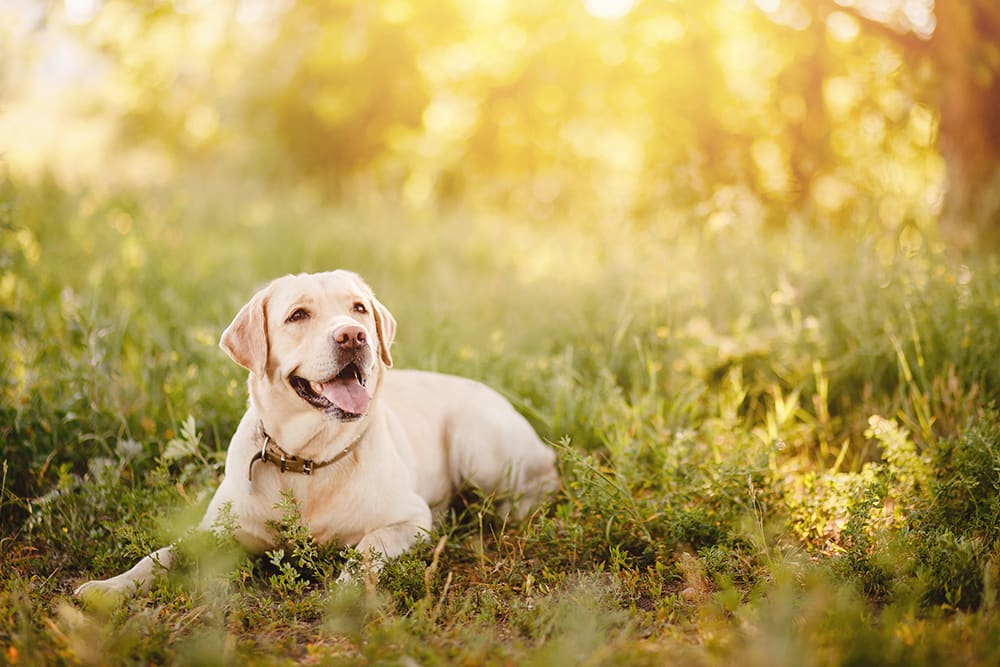
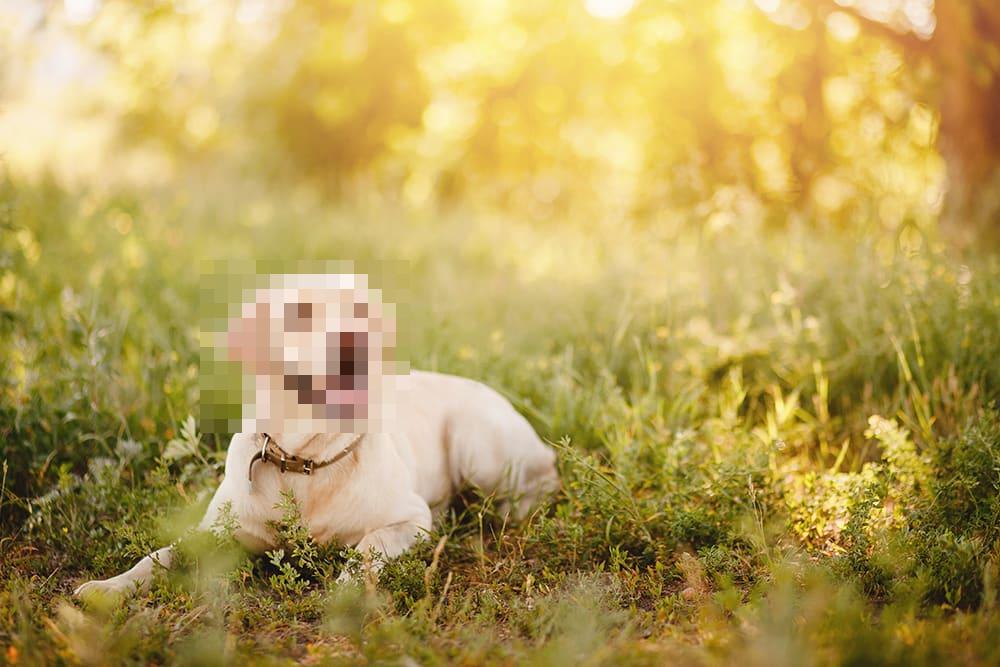
A face close-up, a full person, and an animal. Only the subject itself is pixelated in each “After” image - everything else in the photo stays visible and unchanged, and every photo is shown in full, never cropped.
Pixelate: just the face itself - the hair, ears, and background stay exactly as they are.
Pixelate: the whole figure, head to toe, so the person cannot be recognised.
Pixelate: only the dog's head - its body and the sunny field around it stay exactly as they are.
A chat, an invoice, and an email thread, all with made-up names and numbers, with solid covers over the private details.
Hide: the customer's email, phone number, and order number.
Preparing the before / after images…
Hide: the billing email, account number, and total due.
Preparing the before / after images…
Hide: both email addresses and the one-time sign-in code.
Preparing the before / after images…
Prefer the numbers dashboard? - revenue figures, a fictional email, phone, and API key to cover.
To black out text in an image, open BlurTool, add the image, drag a box over each line or word you want to hide, keep the Cover effect at 100% opacity, then download. The black bar replaces the original pixels in the exported file, so the text cannot be recovered. The image is processed in your browser and never uploaded.
Drop, paste or choose the image or screenshot. The solid Cover effect is already selected.
Drag a box over each word, line or paragraph. Make it slightly larger than the text so no edges show.
Black is the classic redaction look. You can choose any solid color; keep opacity at 100%.
Export a flattened PNG or JPG. The covered text is gone from the file.
| Effect | What it does | Best for | Safe for secrets? |
|---|---|---|---|
| Cover | Replaces the area with a solid opaque block | Passwords, API keys, card and account numbers, emails | Yes, at 100% opacity |
| Pixelate | Replaces the area with large single-color blocks | Faces, people, license plates in photos | Not for short text; use large blocks |
| Blur | Smooths the area with a Gaussian blur | Backgrounds and non-critical details | No, light blur can be reversed |
Not from a flattened image. BlurTool writes the black bar into the pixels on export, so the original text no longer exists in the file.
Yes. Blur and pixelation keep some of the original shape and can sometimes be reversed. A solid bar at 100% opacity keeps nothing.
Yes. The Cover effect lets you pick any solid color, for example white to match a document background.
BlurTool works on images (PNG, JPG, WebP). For a PDF page, take a screenshot or export the page as an image first.
More answers on the Help and FAQ page.
The manual editor is free forever. Advanced automation is coming with Pro.
Draw, move, and resize boxes over anything private. Zoom, pan, undo/redo, and hold-to-compare included.
Three effects per region, with strength and an opacity slider - 100%, 75%, 50%, or 25% - baked into the export.
Editing and export run locally in your browser. No image upload, no original layers or metadata in downloads.
Finds emails, phone numbers and your own watch-words on your device, then covers the ones you approve.
Included in the 30-day free trial.
Redact many screenshots at once with the same settings, review each one, and export the set as a ZIP.
Included in the 30-day free trial.
Save your effect, opacity, color, and export settings once - then reuse them on every new image.
Included in the 30-day free trial.
Start free with the full manual editor - no account, no card. Pro adds auto detection, batch processing and saved presets. Every new account gets 30 days of Pro free, with no credit card.
$0
Free · manual editor
available now
$9/mo
Pro · 30-day free trial
no credit card
Revenue dashboards, sale threads and buyer chats, support tickets, invoices, and email threads all hit the same problem: one visible email, API key, or phone number can undo the whole post. The default here is a solid cover - the only effect that guarantees nothing shows through - with blur and pixelate available for softer details. New to it? Open one of the photo or document examples above and practise first.
Open the free editor, drop in an image, and download a clean copy at full resolution - no account, no upload, no watermark.